
Documentation
Learn the suite in minutes.
The complete Chiseiko Essential Swatches guide — installation through advanced Pro modules — free to read right here, with screenshots for every step.
The Full Guide
Every chapter, free to read.
Start with the basics or jump straight to the feature you need — nothing to download, nothing gated.
Getting Started
- InstallationThis chapter walks you through installing the Free plugin and, if you have it, the Pro…
- Creating Attributes & SwatchesThis is where the magic happens. In this chapter you will learn how to create product…
- Setting Up Variable ProductsNow that your attributes are set up with swatches, it is time to attach them to…
- Chiseiko Essential Swatches SettingsEverything you have set up so far — attribute swatches and variable products — works the…
Pro Features & Tools
- Pro License & ModulesThis chapter covers how to activate your Chiseiko Essential Swatches Pro license and how to turn…
- Linked Simple ProductsWooCommerce has two ways to sell color variants:
- Interactive Archive SwatchesThe Free plugin shows a small strip of swatches below each product card on your Shop…
- Variation Threshold OverrideWooCommerce has a built-in rule called the variation threshold. The default limit is 30 variations.
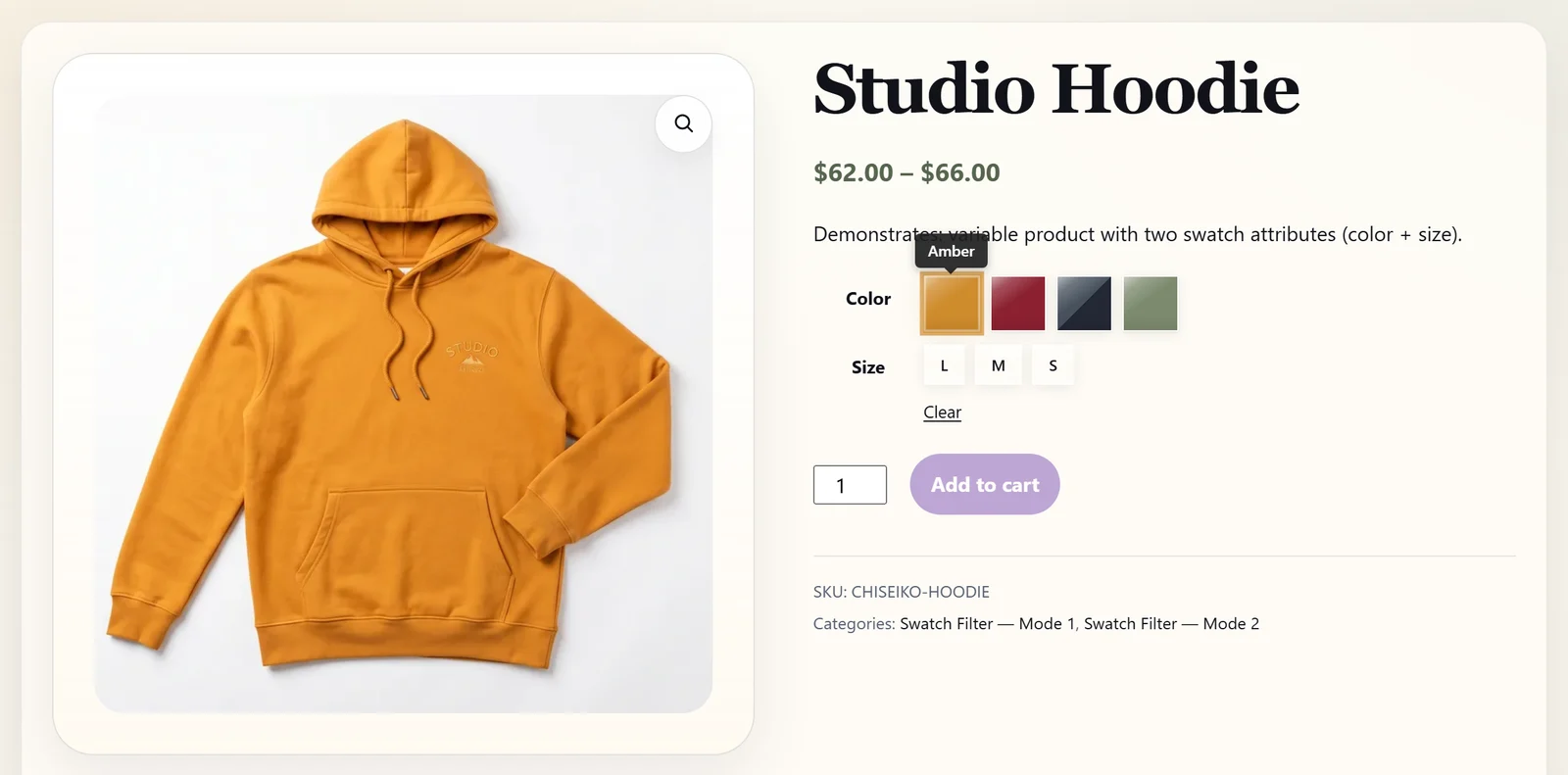
- Advanced StylingThe Advanced Styling module gives you several extra visual customization tools:
- WooCommerce BrandsIf you use the official WooCommerce Brands extension to organise your products by brand, this module…
- Dynamic Price SyncWhen a customer is on a product page and picks an option, the price they see…
- Sticky Add-to-Cart BarOn a product page, the Add to cart button usually sits near the top, next to…
- Quick View CompatibilityMany WooCommerce themes and plugins offer a Quick View feature. When a customer is browsing your…
- Swatch Filter WidgetThis module adds a visual filter to your shop and category pages. Instead of a plain…
- Additional Variation ImagesWooCommerce lets you give each variation one image. So if you sell a t-shirt in Red,…
- Swatch GroupingWhen a product has a long list of swatches, a single flat row can feel overwhelming.…
- Attribute-Based Extra FeesSome options cost you more to offer, so it's fair to charge a little more for…
- Auto-Assign ImagesImage swatches look great — instead of a flat color dot, a shopper sees an actual…
- CSV Import / ExportEvery swatch on your store — its color, its image, its label, its shape, its tooltip…
- Multilingual SyncIf you run a store in more than one language, you almost certainly use a translation…
- Advanced Linked ProductsChapter 6 showed how to group separate simple products together so a row of swatches lets…
- Variable → Simple MigrationA WooCommerce variable product is a single product with built-in variations — for example, one "Classic…
- Gallery Zoom AlignmentOn a WooCommerce product page, the main product photo often has a zoom on hover effect:…
- Troubleshooting & FAQThis chapter covers the most common problems and questions. Find your issue in the list below…
New Here?
Up and running in three steps.
1 · Install the free plugin
Add Chiseiko Essential Swatches, then turn your Color, Size, and Material attributes into color, image, or label swatches. Better product pages — no license required. Installation →
2 · Activate Pro
Paste your license key under WooCommerce → Chiseiko Essential Swatches Pro → License to unlock the full module suite. License & modules →
3 · Enable what you need
Switch modules on from the Modules tab. Each is independent, so you ship only the features your catalog uses and keep the store lean. Modules →
Docs Built In
The same guide ships inside the plugin.
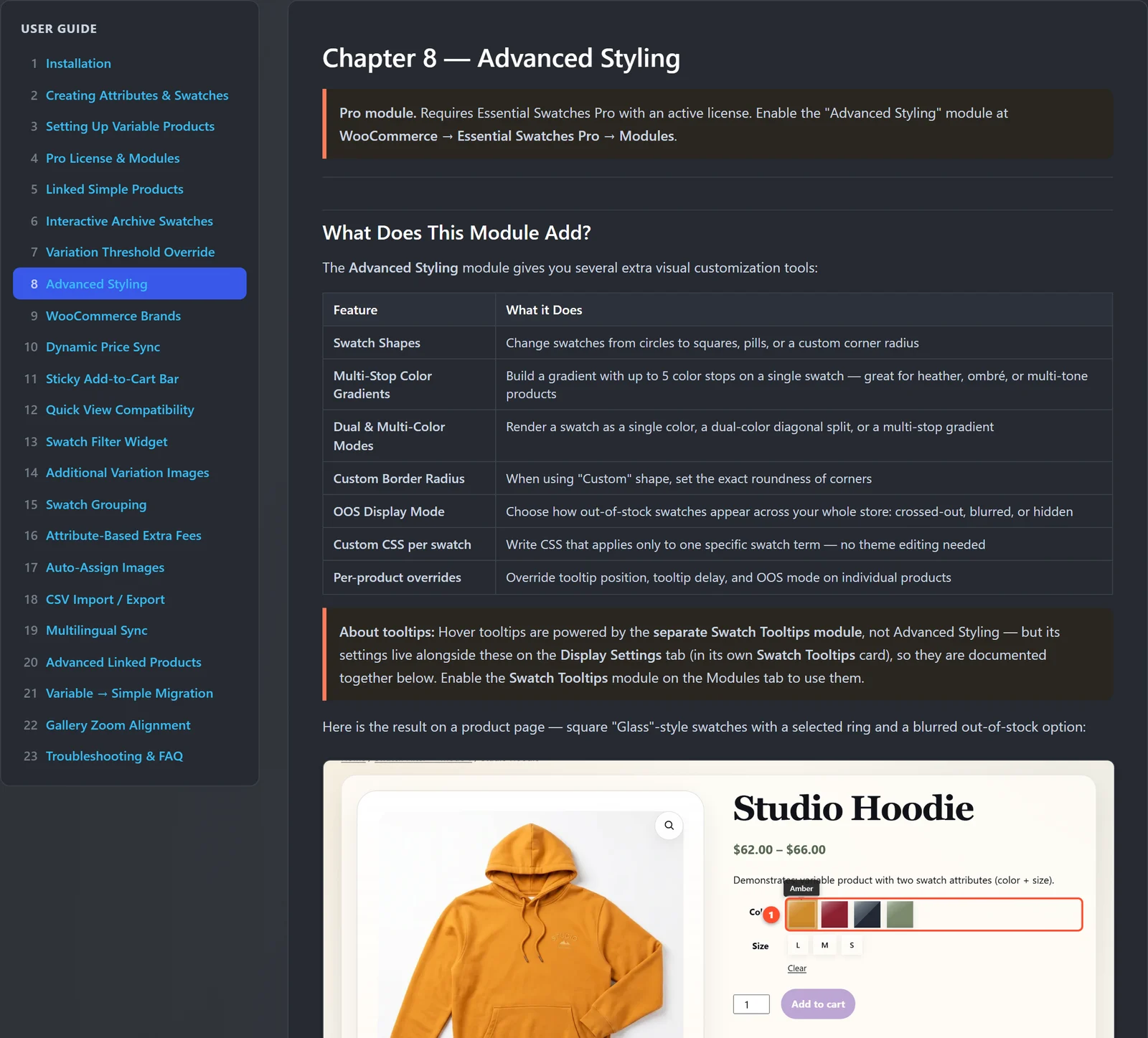
Prefer to read in context? Every chapter is bundled under WooCommerce → Chiseiko Essential Swatches Pro → User Guide — available offline, right where you work.
Requirements
Runs on modern WordPress and WooCommerce.
WordPress 6.5+
Compatible with classic and block (Full-Site-Editing) themes, including the WooCommerce Blocks product grid.
WooCommerce 8.0+
Tested up to WooCommerce 10.5. Brands use the taxonomy built into WooCommerce 8.9+, or the legacy Brands extension.
PHP 8.1+
Built for current PHP with no extra server configuration. Standard WooCommerce hosting is all you need.
FAQ
Common questions before you start.
Do I need Pro to use swatches?
No. The free Chiseiko Essential Swatches plugin gives you color, image, and label swatches on product pages plus shop-archive strips that can be read-only or fully interactive. Pro adds the merchandising, catalog, and SEO modules on top.
Will it work with my theme?
Yes. Swatches render on both classic and block themes, and the swatch filter can be auto-injected, placed as a block or widget, or dropped in with a shortcode — no theme editing required.
Can I turn features off?
Every Pro feature is an independent module. Enable only what you use; disabling a module stops it running without deleting any of your settings or data.
What happens if my license lapses?
Pro features keep running for a 72-hour grace period, then pause until you renew — so your store is never suddenly broken and nothing is deleted. Your settings come straight back when you renew, and the free plugin keeps working throughout.
Does it slow my store down?
Assets load only on the pages that need them, scripts are deferred, and variation data is cached — so swatches stay fast even on large catalogs.
Still have a question?
Email support@chiseikotech.com or use the contact page — a real person will help you out.
Next Step